How To
Edit Multiple Clips at Once in Visibox
Right-click one Clip and you get every setting it has. Select 19 of them, right-click again, and the same panel changes all 19.

Search every tutorial, guide, and page. Try “MIDI”, “projector setup”, or “backing tracks”.
Right-click one Clip and you get every setting it has. Select 19 of them, right-click again, and the same panel changes all 19.
Cut from a video clip to a live camera mid-song, cut back, and the clip picks up exactly where it would have been if it had never stopped. That's Sync to Song Position, new in Visibox 5.
I described the Stranger Things opening titles to ChatGPT, and it wrote a working ISF shader inside Visibox 5 over MCP. No shader code, no file dragging.
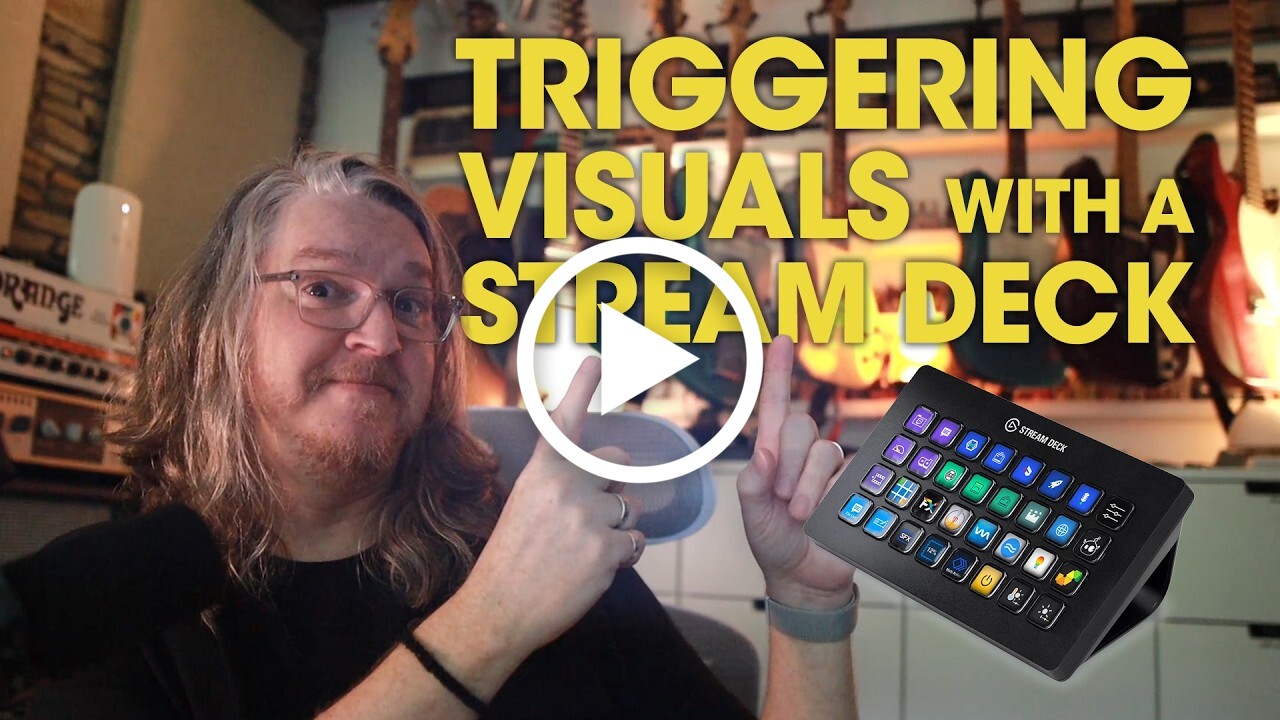
Visibox 5 turns your Elgato Stream Deck into a live control surface for your visuals. Trigger clips, jump between songs, and run playback from keys that preview exactly what they fire.
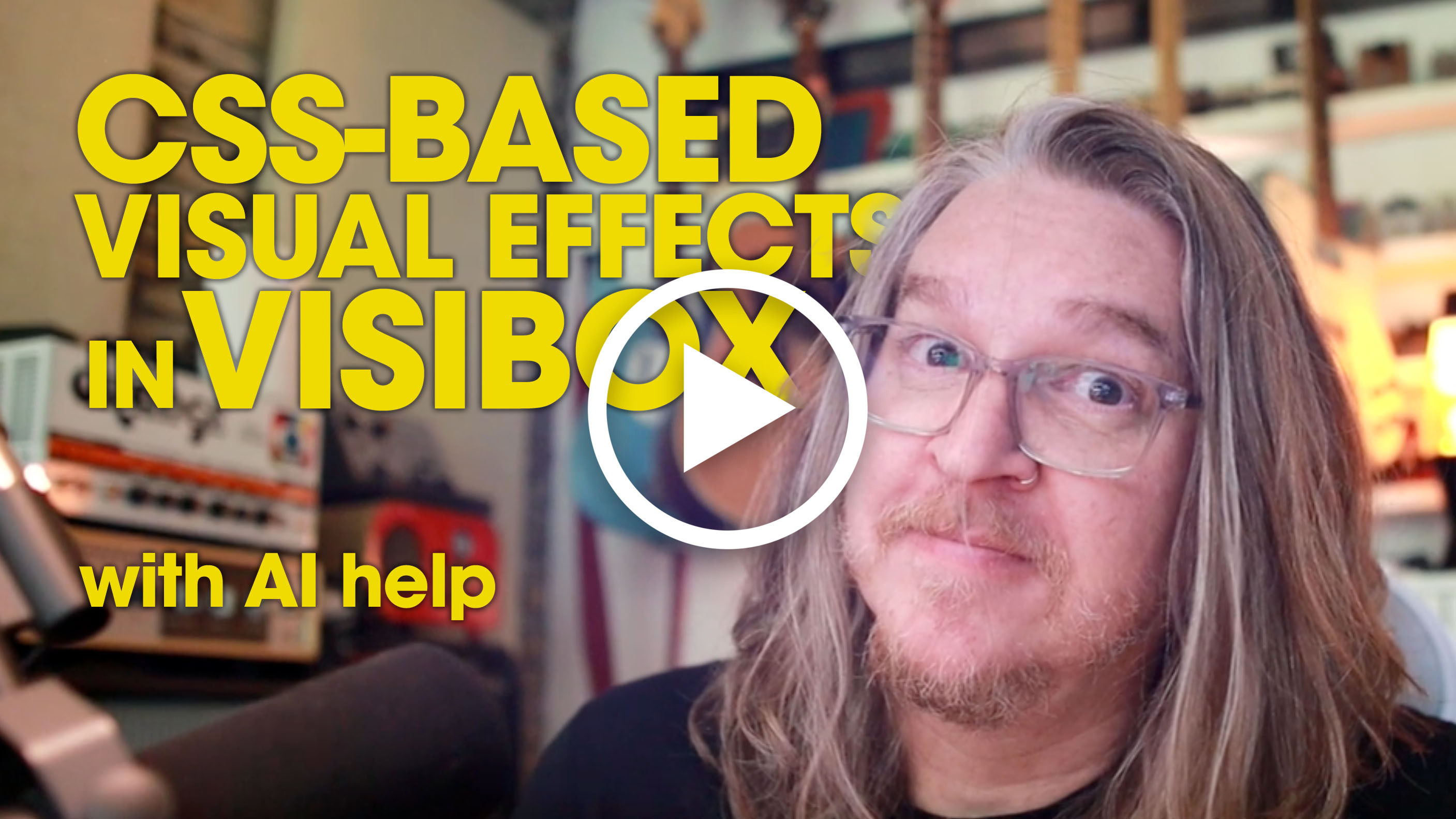
Visibox 5 ships with an MCP server, so a desktop AI assistant can build custom effects for you. Watch Claude write a James Bond gun-barrel iris from scratch: you describe it, the AI writes the CSS, and it drops straight into your show.
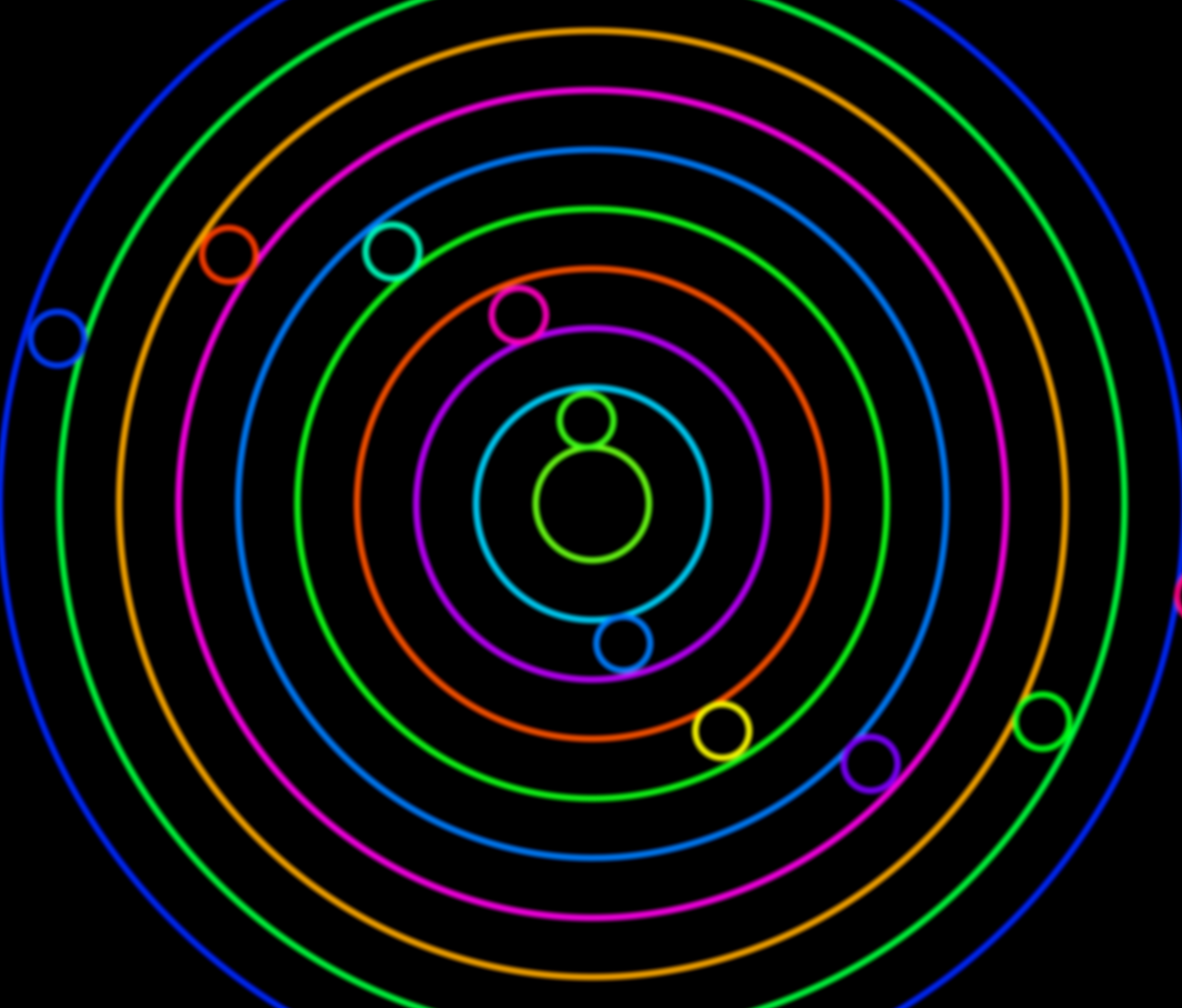
No coding needed. Use ChatGPT, Claude, or Gemini to generate stunning looping visuals with p5.js and Three.js code -- right in your browser. A hands-on guide for musicians, VJs, and creators.
Your complete guide to Visibox. Learn how to trigger visuals with MIDI, Stream Deck, and keyboard shortcuts, manage multi-channel audio, and master every feature for flawless live performances.
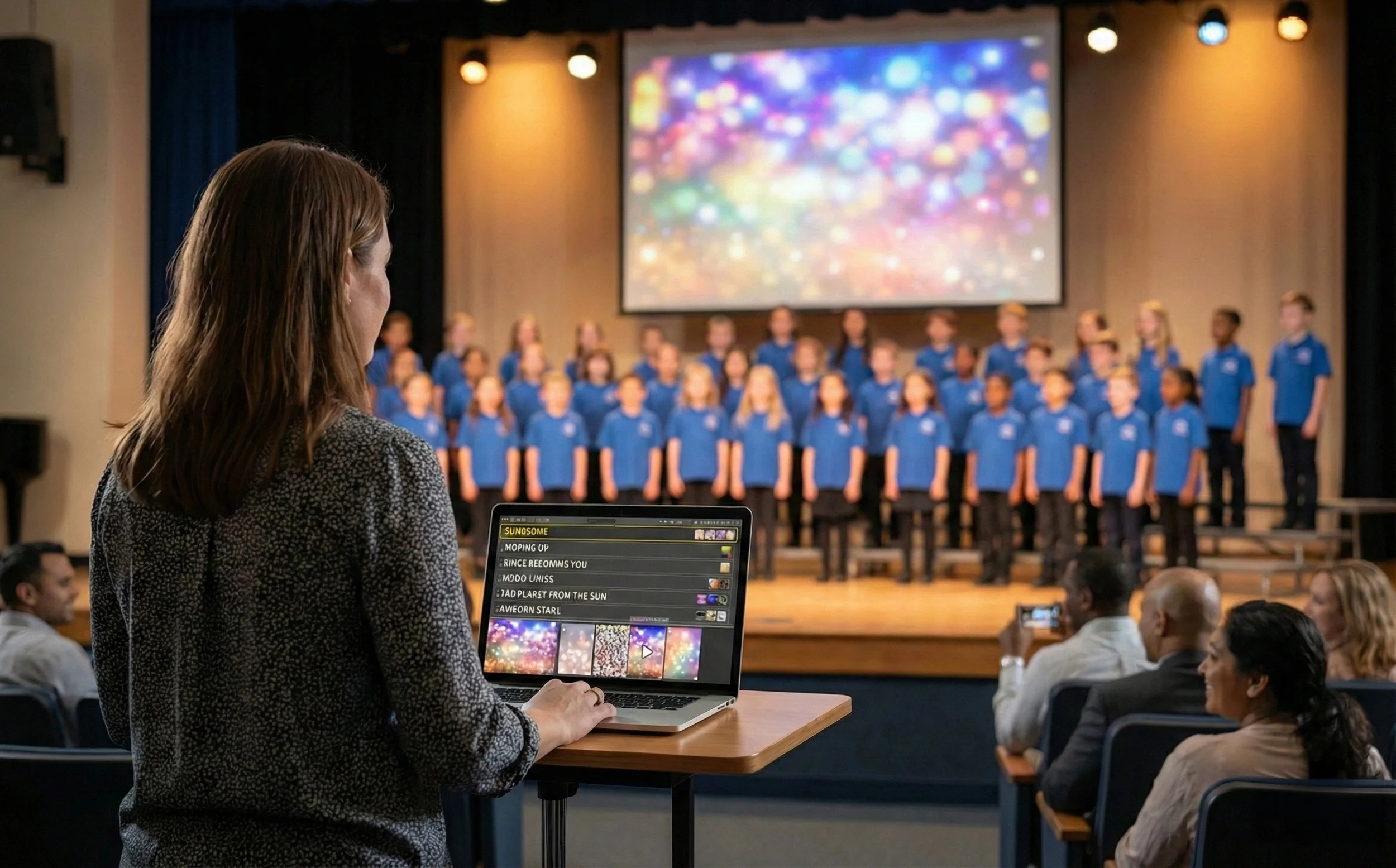
Struggling with backing tracks and visuals at school concerts? Learn how to simplify tech for parent volunteers and focus on your students, not troubleshooting.
Keep your shows glitch-free with Visibox’s built-in optimization tools.
Tips, tricks, and ideas for creating Visibox visuals using AI. This how-to guide will get you up and running in the right direction.
Prepare your Mac or Windows computer for flawless live performances with Visibox. Avoid technical hiccups and focus on delivering your best show.
Create audiovisual bliss by combining Ableton Live’s audio capabilities with Visibox visuals.
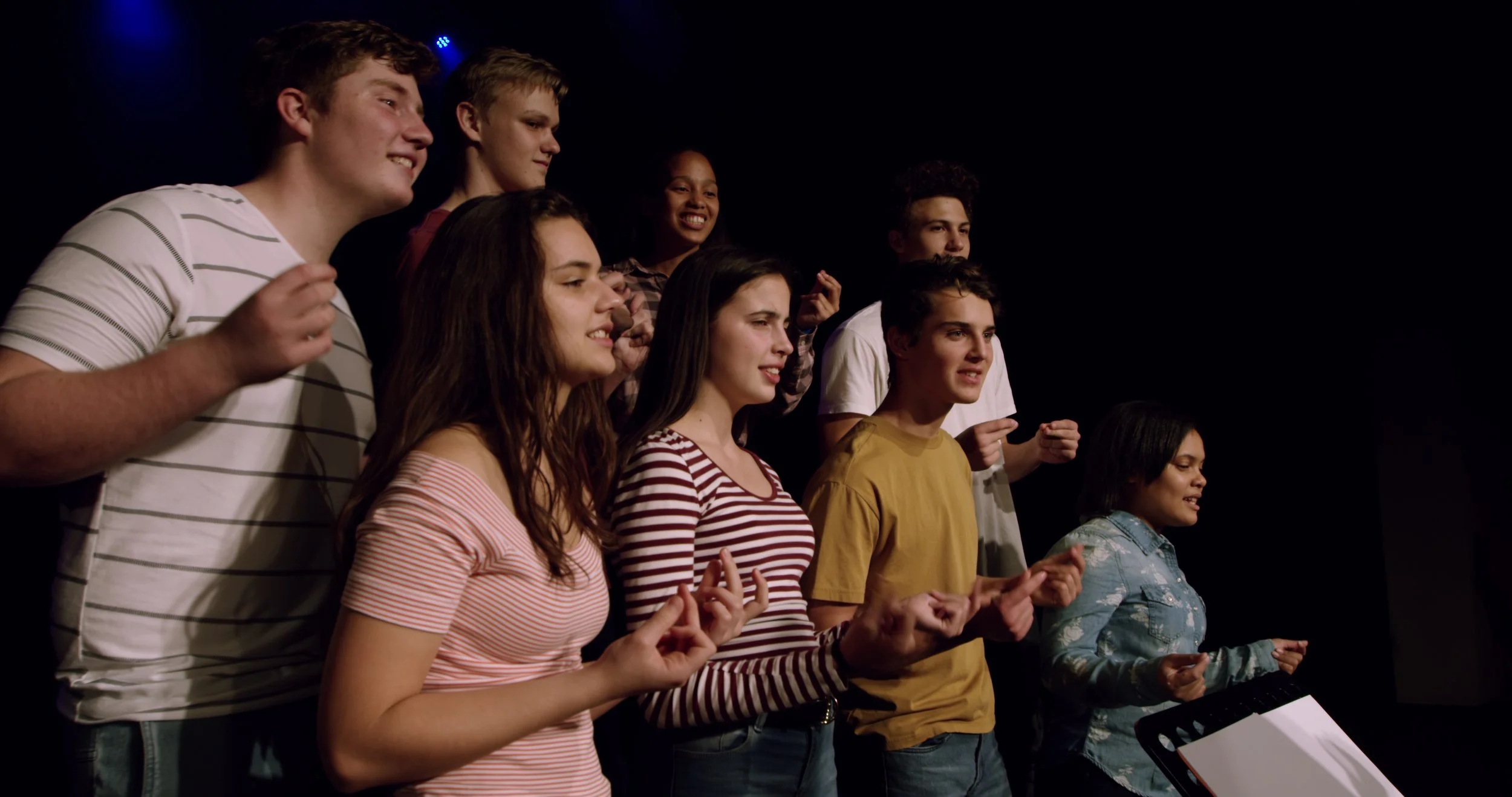
Enhance school music, theater, and dance performances using projected visuals for immersive experiences.
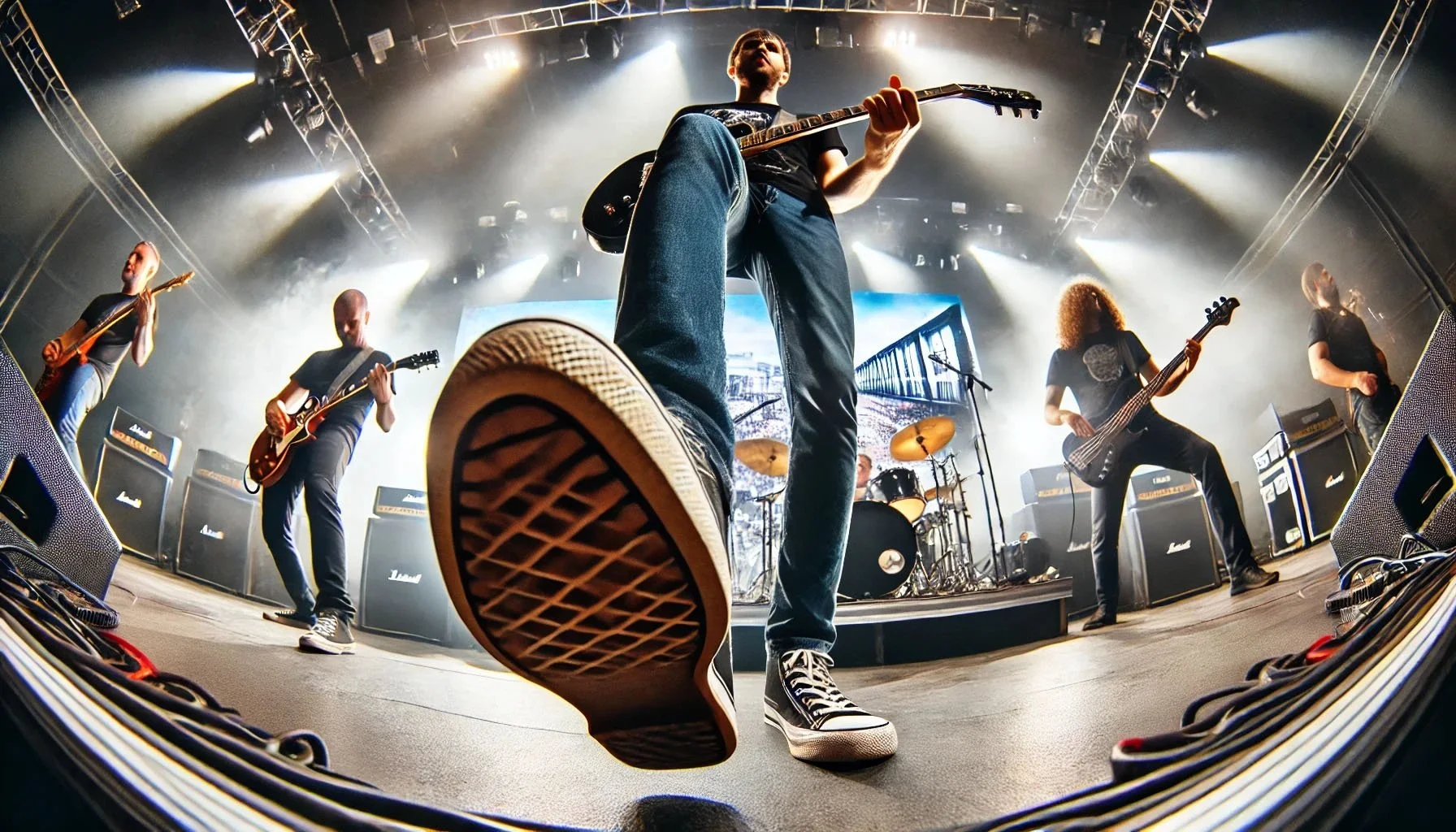
Want to control visuals as part of your stage performance? Here’s a list of our favorite MIDI pedals for Visibox.
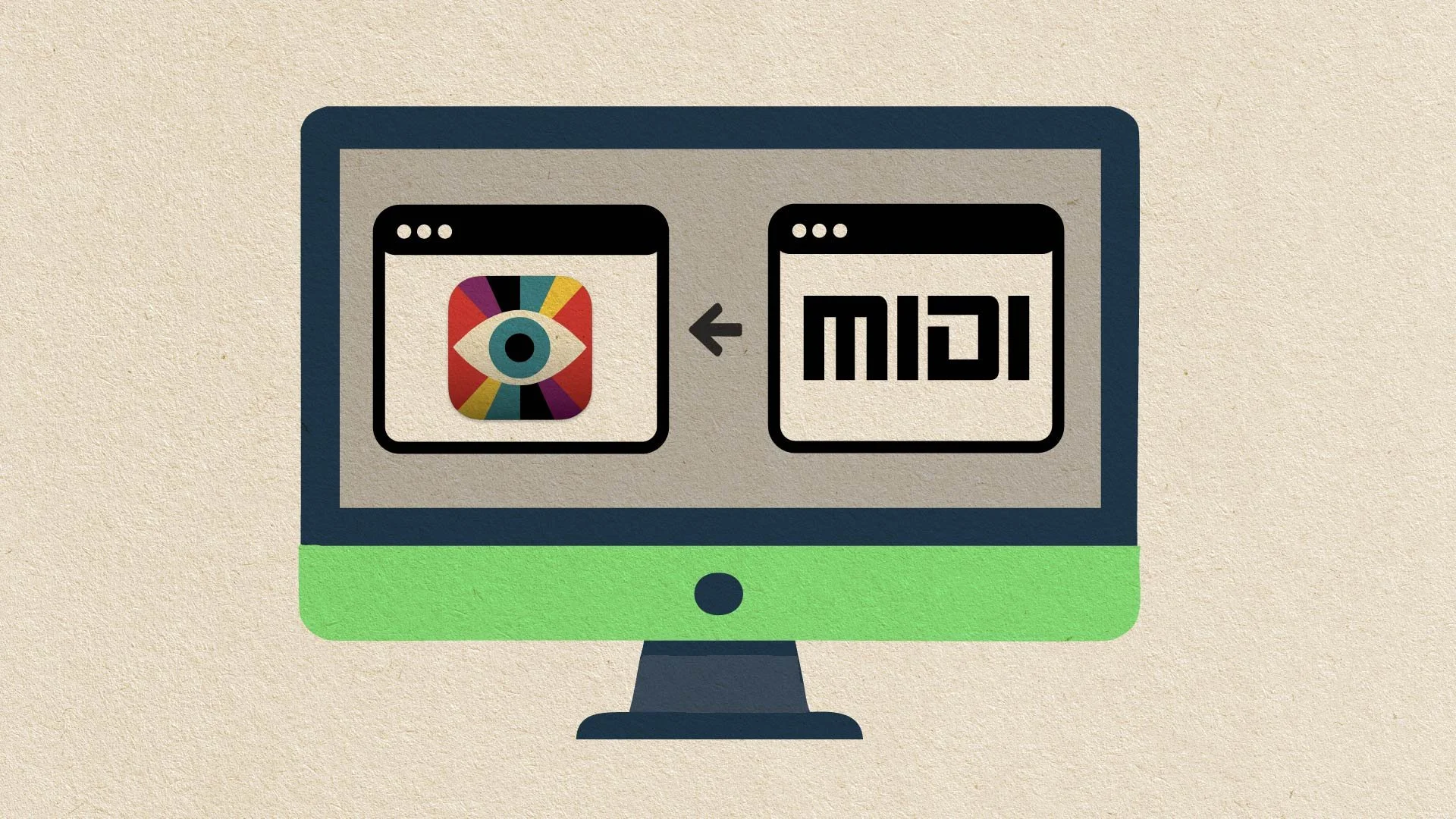
Learn how to route MIDI signals between applications for enhanced control and synchronization in live performances.
Watch a whole show's worth of concert visuals come together in Visibox in about two minutes, from clips to a triggered, performance-ready set list.

Whether you’re looking for cinematic landscapes, abstract animations, or historical footage, this guide will help you find the clips you need to create a compelling visual experience for your audience.
Want to use Visibox with multiple screens? Here’s how.

Jeff shows how to create a virtual backing band for live performances.
Everything you need to know about how to buy a used or new video projector.
Jeff runs through his MacBook Air-based performing video rig and shows how everything connects together.
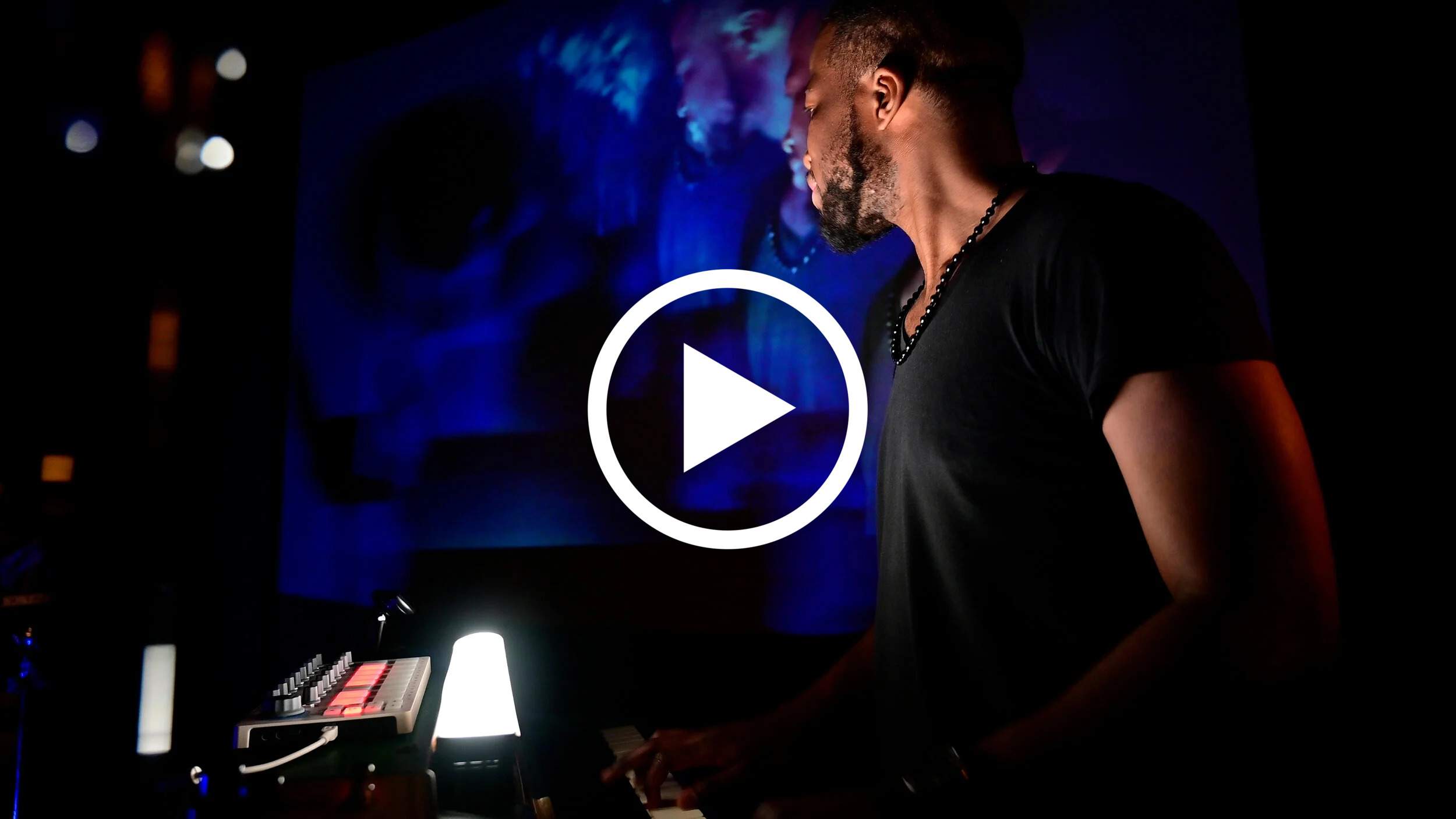
Watch Visibox in action - controlling videos, images, and cameras for a band performing live on stage.